EHR Tricks vs. Treats
More visual options
Every option here uses the final blog copy. Pick one illustration style for the whole post, then a layout for each section. Anything can be mixed and matched.
1Illustration style
One look carries through the whole post. Same subject in each, so the styles are easy to compare. Tricks stay dark and gray. Treats come alive in color.
Style A
Painted storybook
Soft, painted and cozy. Closest to the reference image.
 Trick
Trick Treat
TreatStyle B
Flat and clean
Simple shapes in Cantata orange and light blue. Sits closest to the site's own icons.
 Trick
Trick Treat
TreatStyle C
Cut paper
Layered paper with soft shadows. Handmade and a little unexpected.
 Trick
Trick Treat
TreatStyle D
Ink and watercolor
Pen drawing for the trick, color washed in for the treat.
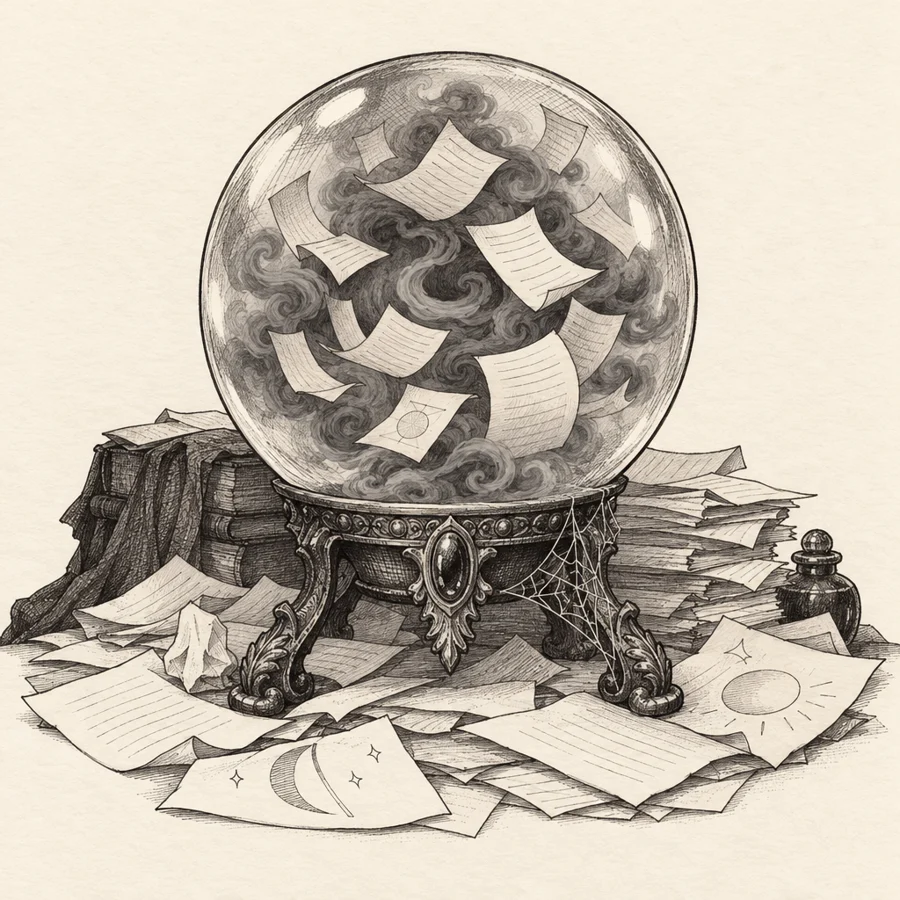 Trick
Trick Treat
Treat2Top of the post
The slider opens the post.
Option 2A
Square slider
One square illustration. Drag across to turn the trick into the treat. The two halves line up exactly, so the change feels like magic.
TreatTrickOption 2B
Slider beside the headline
Title and intro on one side, the slider on the other. Feels like a magazine opener.
Halloween
Tricks, Treats, and Spooky Stories from Your Behavioral Health EHR
Behavioral health is already complicated without your EHR adding a few scares of its own.
 Treat
Treat Trick
Trick3Section 1: Tricks vs. Treats
Pictures now live inside the cards. The words stay real text, so search engines and AI tools can still read them. Shown with two of the six topics.
Option 3A
Picture on top
The illustration sits in the top of the card with the line underneath. The whole card turns over to the treat.
The data is hiding in there somewhere. Happy hunting!
The answers you need. No magic tricks required!
Surprise! That's an add-on.
Transparent pricing you can plan around. Save the surprises for the haunted house.
Hover on a computer. Tap on a phone.
Option 3B
Full picture card
The illustration fills the card and the words sit over a dark fade at the bottom. The most like the reference image.
The data is hiding in there somewhere. Happy hunting!
The answers you need. No magic tricks required!
Surprise! That's an add-on.
Transparent pricing you can plan around. Save the surprises for the haunted house.
Hover on a computer. Tap on a phone.
Option 3C
Picture beside the words
Wide cards that stack down the page, one per topic. Easy to read on a phone.
The data is hiding in there somewhere. Happy hunting!
The answers you need. No magic tricks required!

Surprise! That's an add-on.

Transparent pricing you can plan around. Save the surprises for the haunted house.
Shown in Style B so you can see a second look in a card.
4Section 2: Tales from the EHR Crypt
Something spooky on the cover, the tale underneath.
Option 4A
Tombstones
Each card is a tombstone. Tap it and the tale appears carved into the stone.

Legend says they're still waiting for the screen to load.
Tap to readThey clicked “save.” The document was never seen again.
Tap to readThey entered the same information in three different places. On the third entry, they summoned something.
Tap to readThe workaround was supposed to be temporary. That was seven years ago.
Tap to readOption 4B
Crypt doors
Each card is a closed crypt door. Tap it and the door swings open to the tale.
Legend says they're still waiting for the screen to load.
 Tap to open
They clicked “save.” The document was never seen again.
Tap to openThey entered the same information in three different places. On the third entry, they summoned something.
Tap to openThe workaround was supposed to be temporary. That was seven years ago.
Tap to open5Section 3: The Scariest Words in Behavioral Health Tech
Text heavy, so the treatment stays light.
Option 5A
Drag to translate
Each phrase is its own slider. Drag across to see what it really means.
“It has a place on the roadmap, but don't make any plans around it.”
“We're looking at that for a future release.”
“Prepare to submit a ticket, call a consultant, and rethink what you mean by ‘routine change.’”
“That should be configurable.”
“Please check whether all your forms, workflows, and reports survived the night.”
“The upgrade should be seamless.”
Shown with three of the five phrases.
Option 5B
Subtitle cards
No interaction. The phrase on top, the translation underneath like a movie subtitle. Fast to read and works in email too.
What they say“We're looking at that for a future release.”
What it really means“It has a place on the roadmap, but don't make any plans around it.”
What they say“That should be configurable.”
What it really means“Prepare to submit a ticket, call a consultant, and rethink what you mean by ‘routine change.’”
What they say“The upgrade should be seamless.”
What it really means“Please check whether all your forms, workflows, and reports survived the night.”
What they say“It's technically possible.”
What it really means“No one has done it successfully. How much time do you have?”
What they say“That's available as an add-on.”
What it really means“Your budget is about to experience a jump scare.”
6Section 4: The Haunted EHR
One standing image. Room names stay as text next to it so they can be read and searched.
Option 6A
Haunted floor plan
An old treasure-map floor plan. The room names and jokes sit beside it as real text.
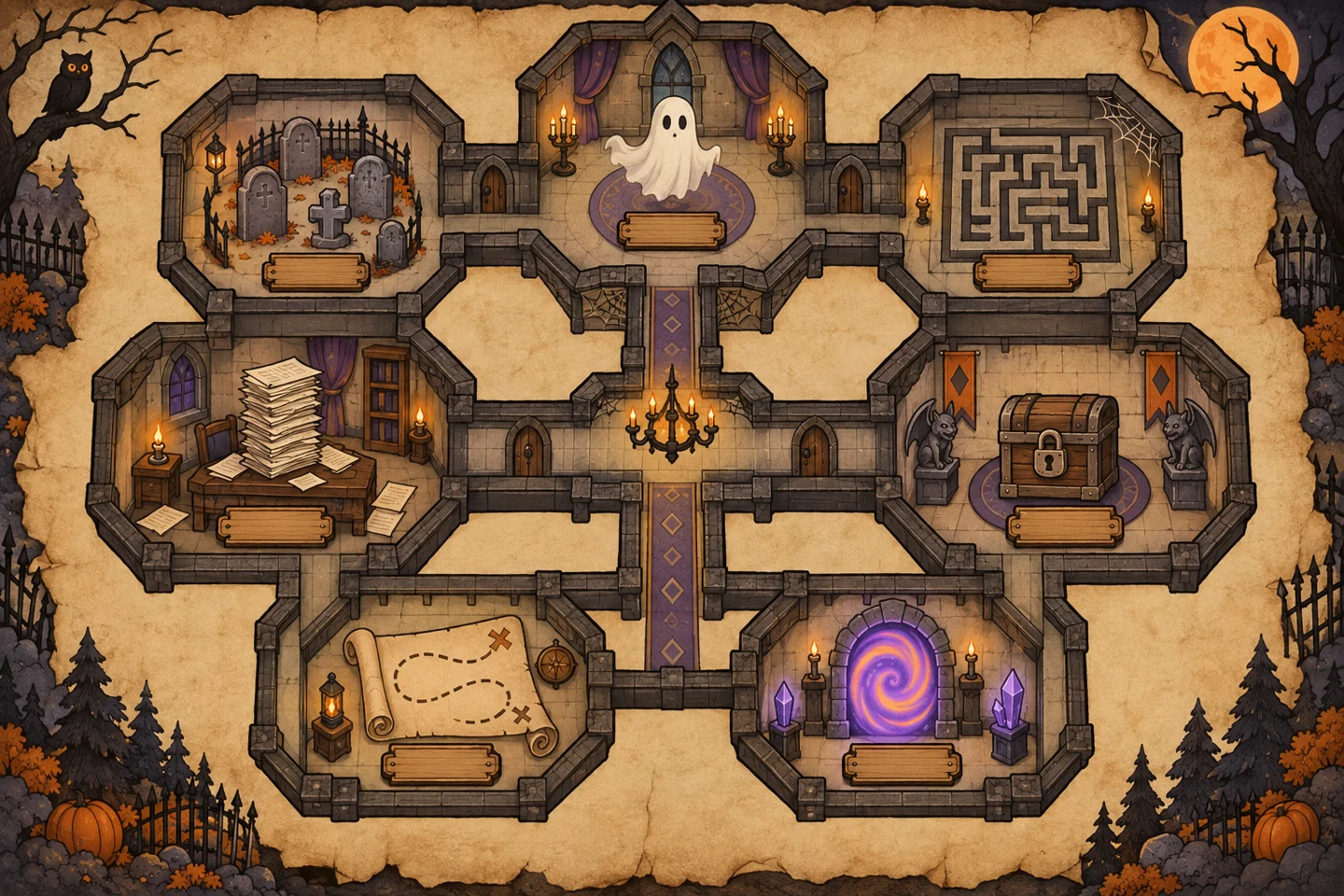
- The Hall of Duplicate Entry You've been here before. You'll be here again.
- The Roadmap Trap Where requested enhancements await their resurrection.
- The Billing Graveyard Where unresolved claims come back to haunt you.
- The Implementation Labyrinth You entered with a project plan. You left with 14 spreadsheets and no confirmed go-live date.
- The Corridor of Hidden Features Powerful capabilities rumored to exist, if only you knew where to look.
- The Workaround Wing Where every problem has a solution. And every solution has a spreadsheet.
- The Portal Maze Getting in was only the first challenge. Finding what you need is another story.
Option 6B
Dollhouse cutaway
The front of the haunted house is cut away so you can see into every room.
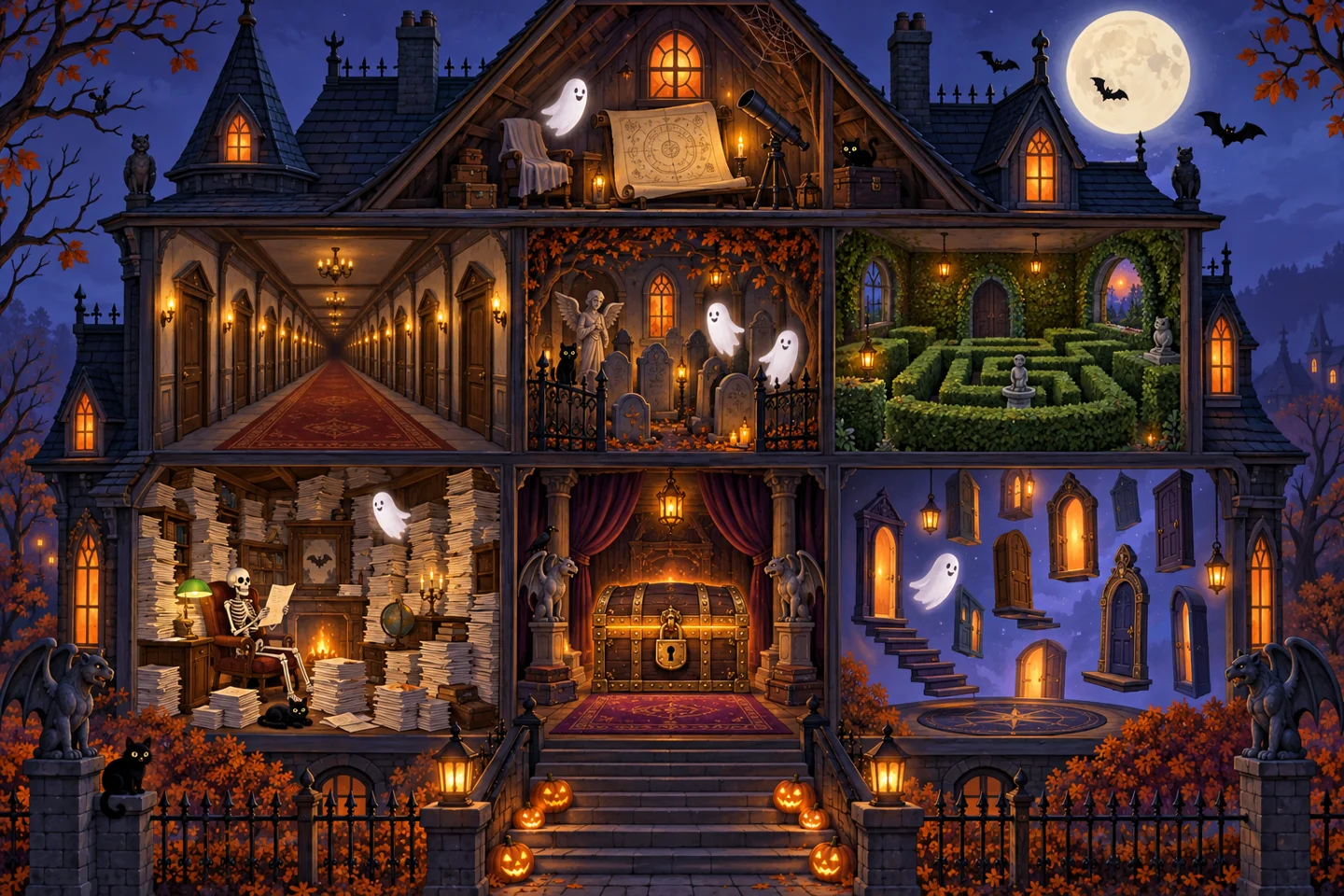
- The Hall of Duplicate Entry You've been here before. You'll be here again.
- The Roadmap Trap Where requested enhancements await their resurrection.
- The Billing Graveyard Where unresolved claims come back to haunt you.
- The Implementation Labyrinth You entered with a project plan. You left with 14 spreadsheets and no confirmed go-live date.
- The Corridor of Hidden Features Powerful capabilities rumored to exist, if only you knew where to look.
- The Workaround Wing Where every problem has a solution. And every solution has a spreadsheet.
- The Portal Maze Getting in was only the first challenge. Finding what you need is another story.
Illustrations are first drafts to show direction. The final set would be finished in the chosen style.